
Curated finds. Everyday style.
OOTDBuy Spreadsheet
Your next outfit starts with a good find. Explore eight categories of shoes, clothing and everyday essentials, with brands and reference prices in one place.
Build a shortlist around your style and budget. Compare brands and reference prices, open individual listings for available sizes, colors and photos, or browse the full catalog to discover more pieces for your next outfit.
Browse more spreadsheet productsCategories
Featured Picks
Browse more spreadsheet products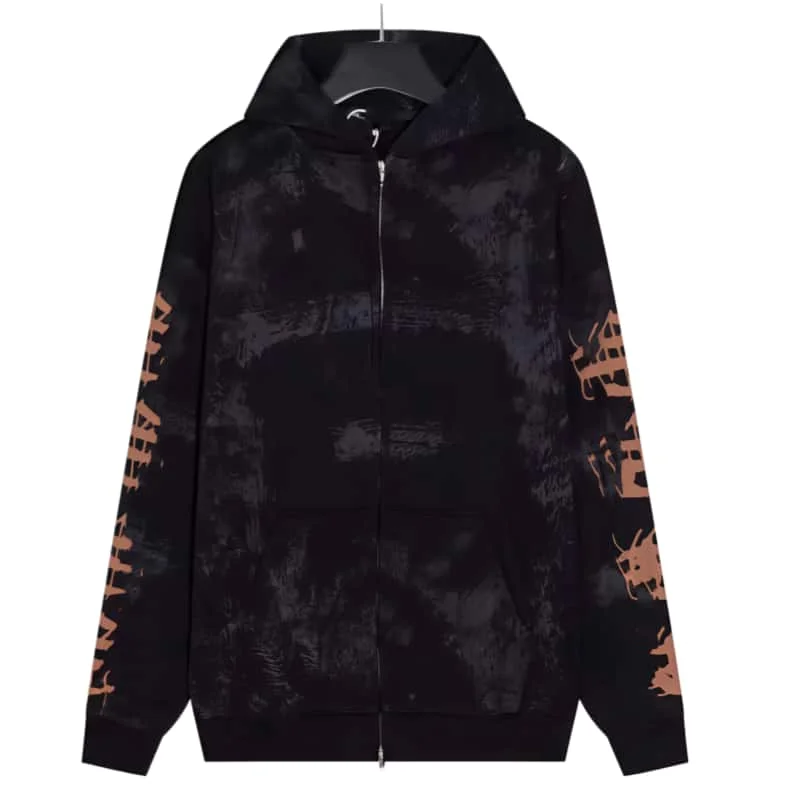
A Bathing Ape BAPE STA Black & Orange Hoodie
View product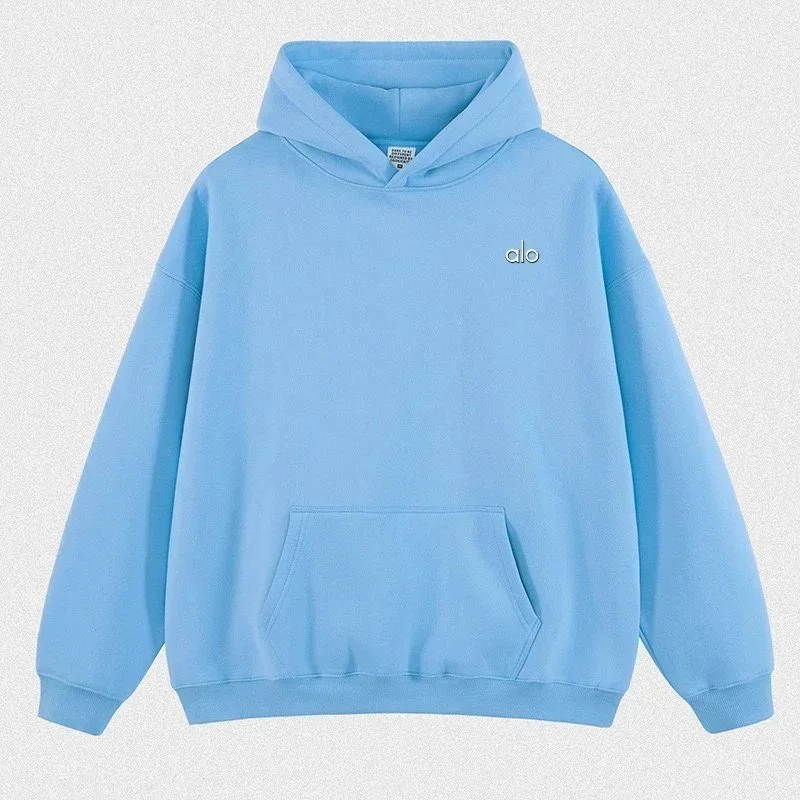
Alo Blue Hoodie Sweatshirt
View product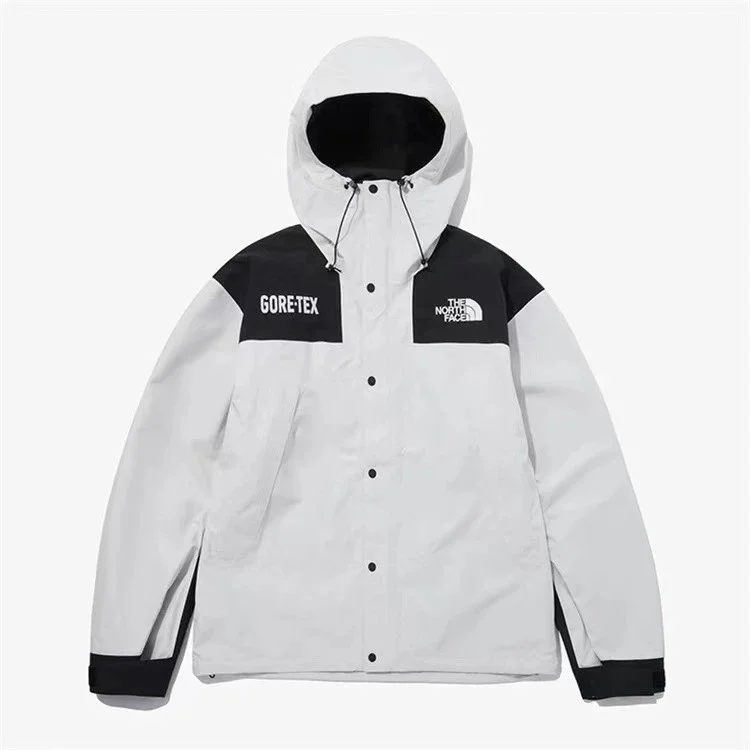
The North Face Mountain Jacket TNF-0A831 Grey/White GORE-TEX
View product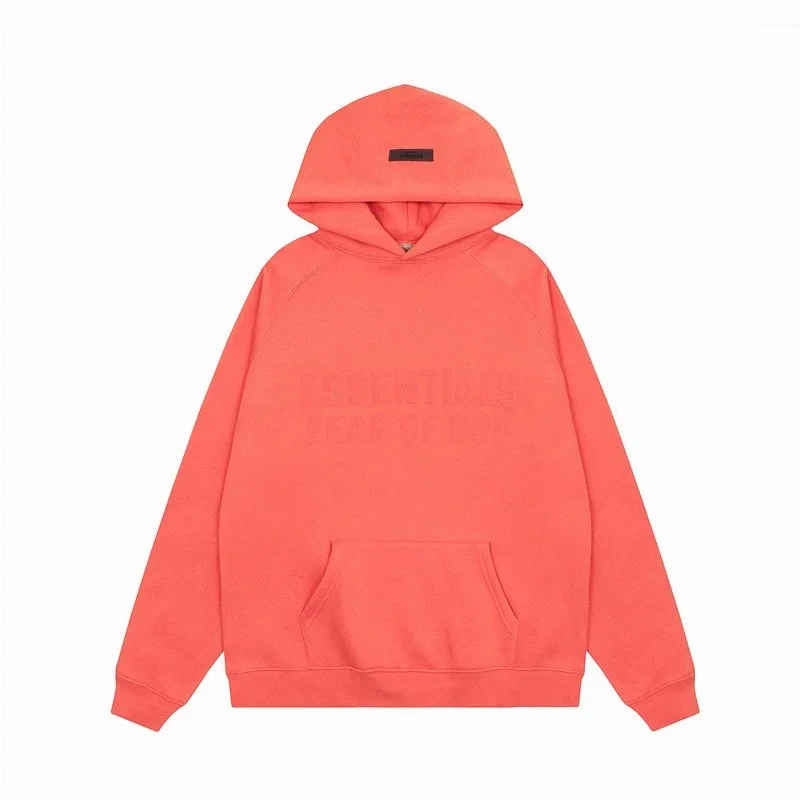
Fear of God Essentials Coral Red Hoodie
View product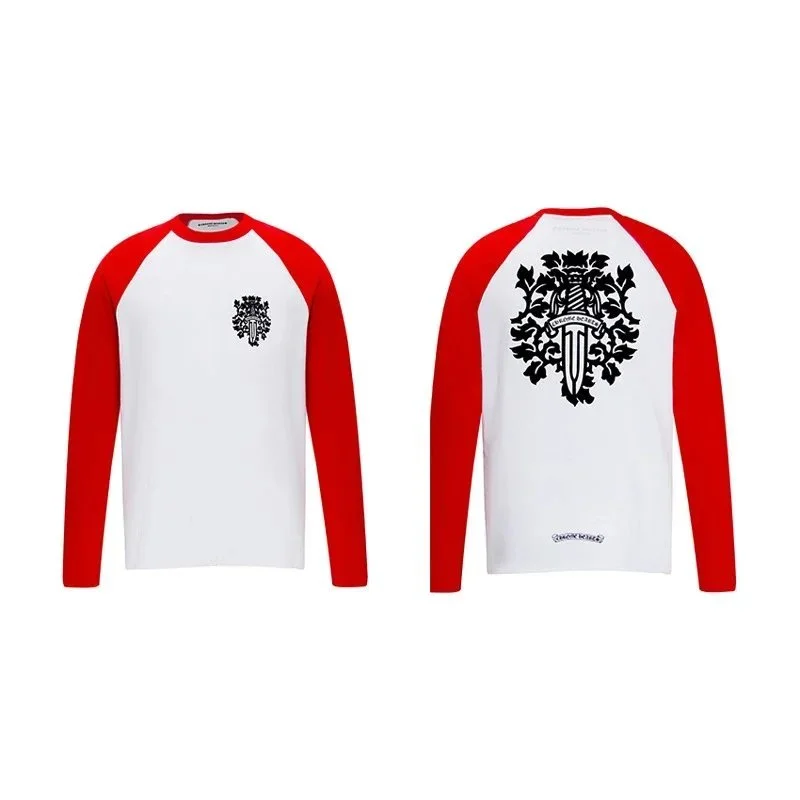
Chrome Hearts Crest Baseball T-Shirt White/Red
View product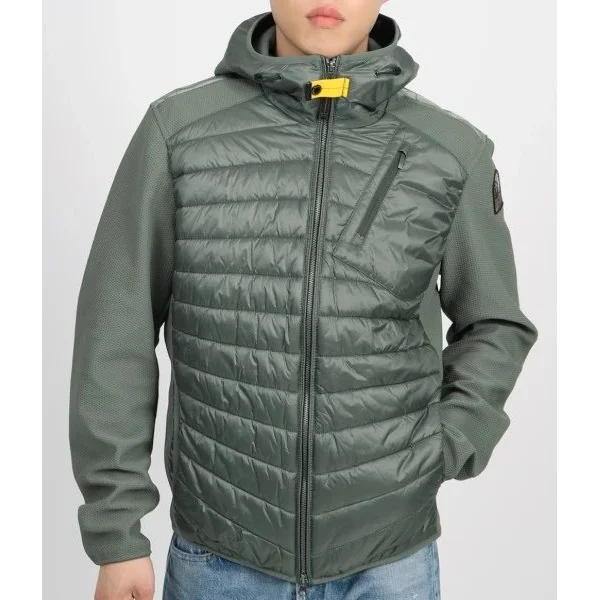
Parajumpers Nuptse Olive Green Parka
View product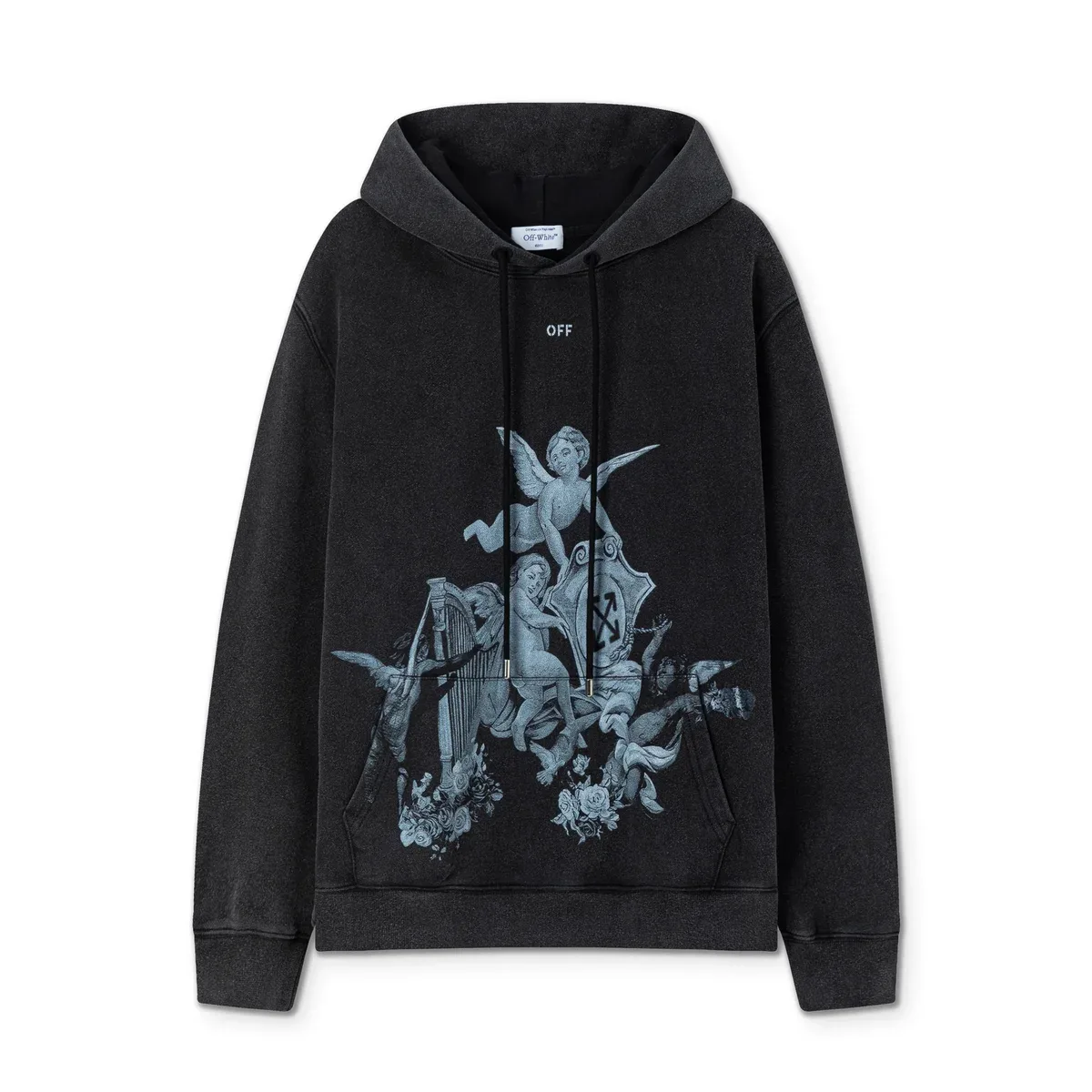
Off-White Out Of Office Hoodie Black Angels Print
View product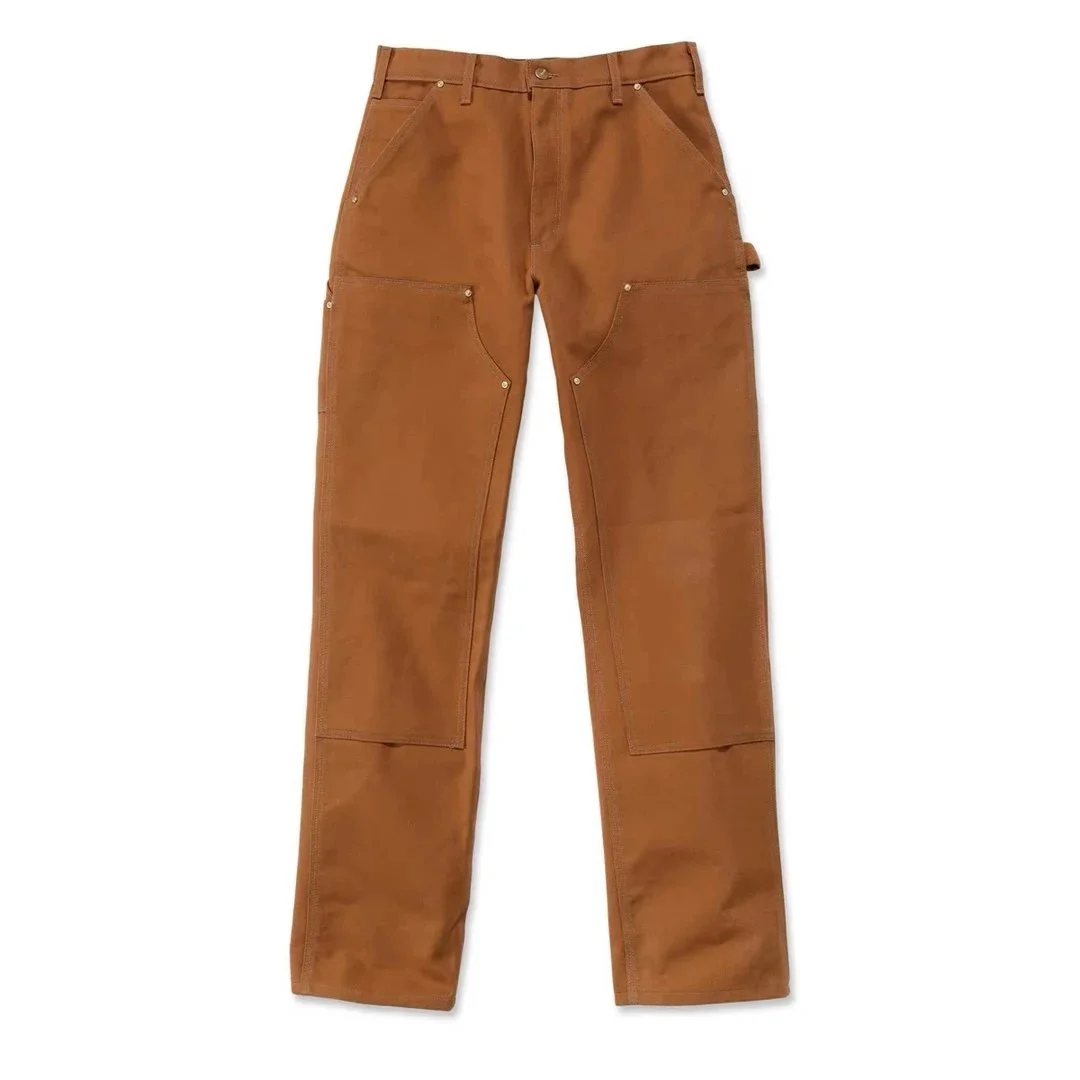
Carhartt Detroit Work Pants Brown
View product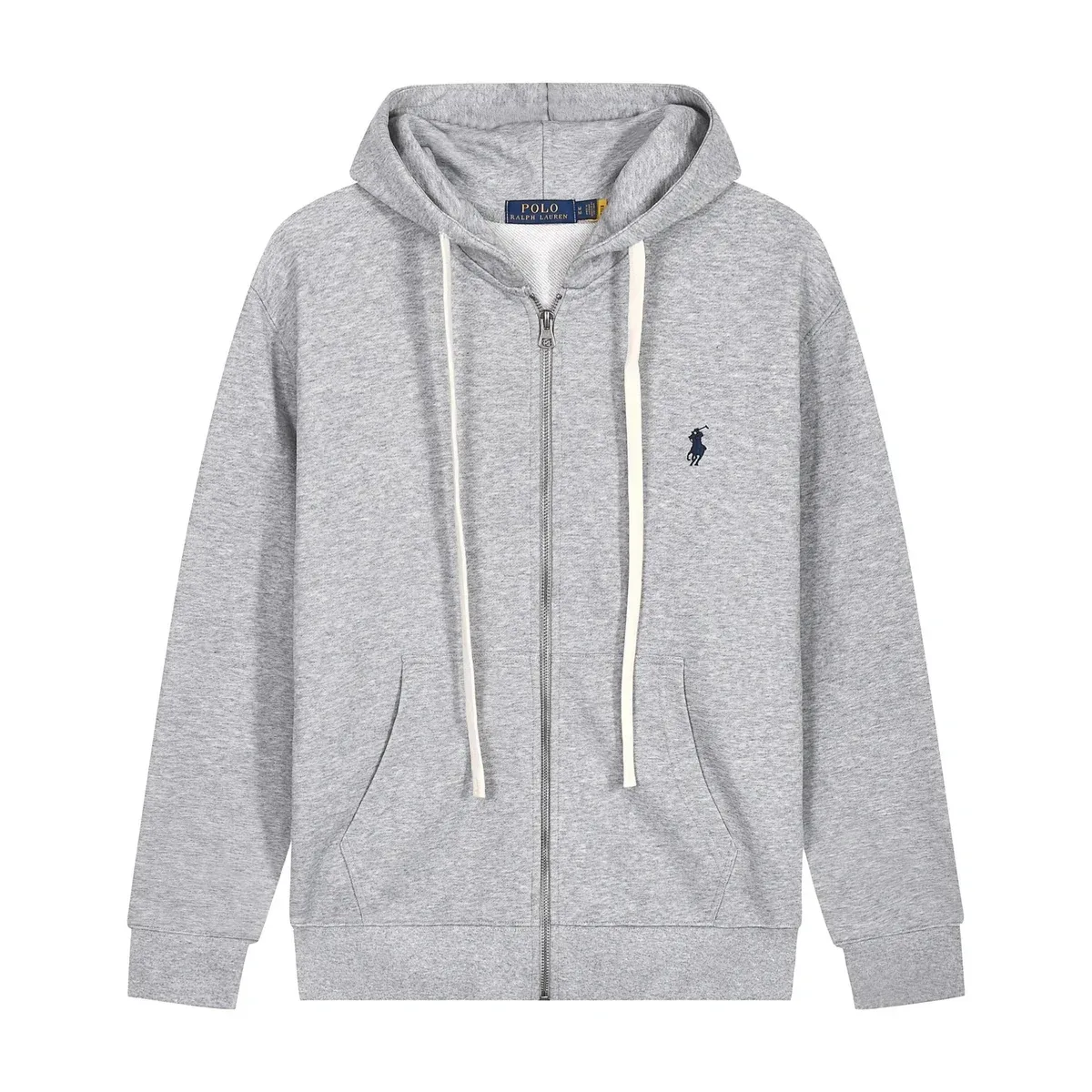
Polo Ralph Lauren Grey Zip-Up Hoodie
View product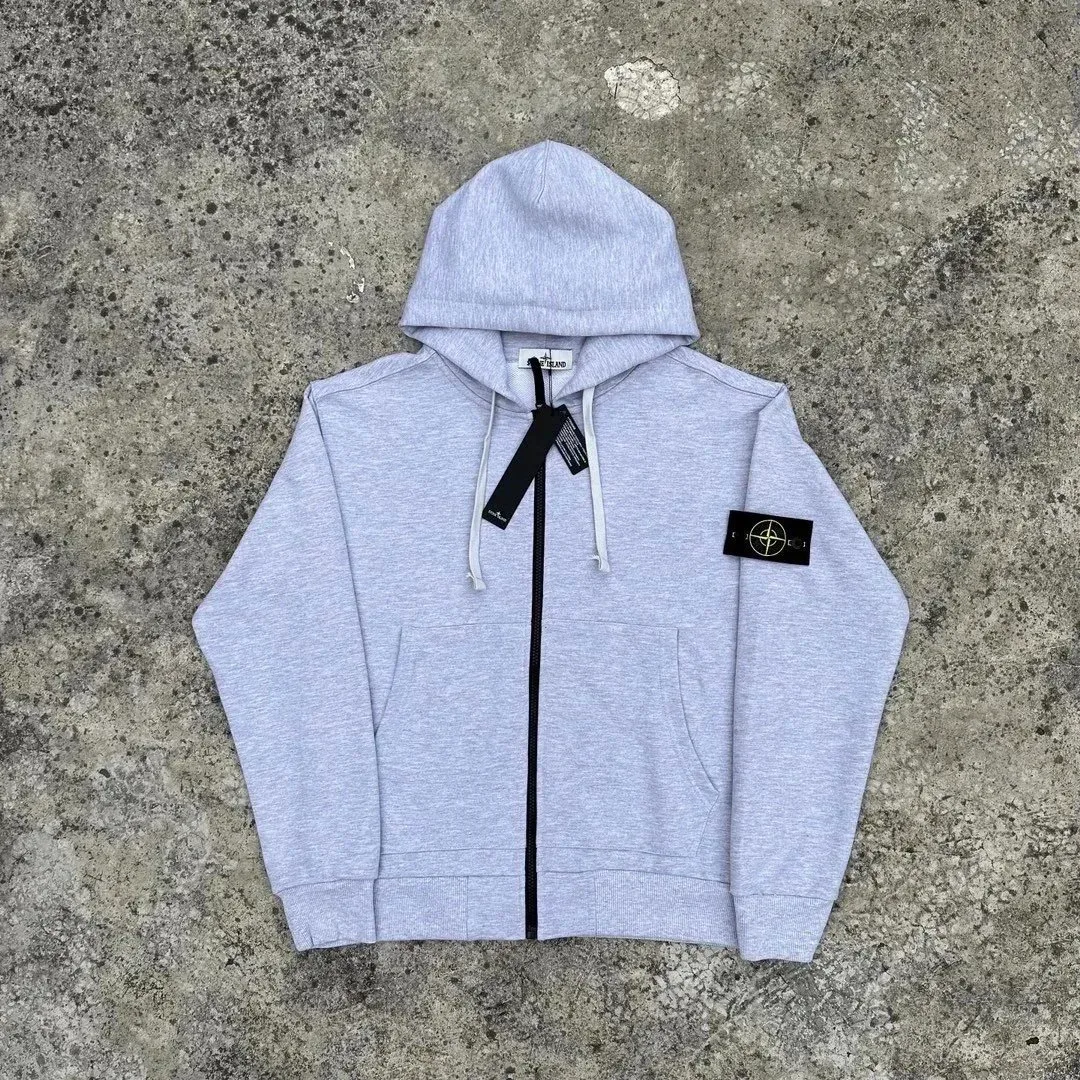
Stone Island Grey Zip-Up Hoodie
View product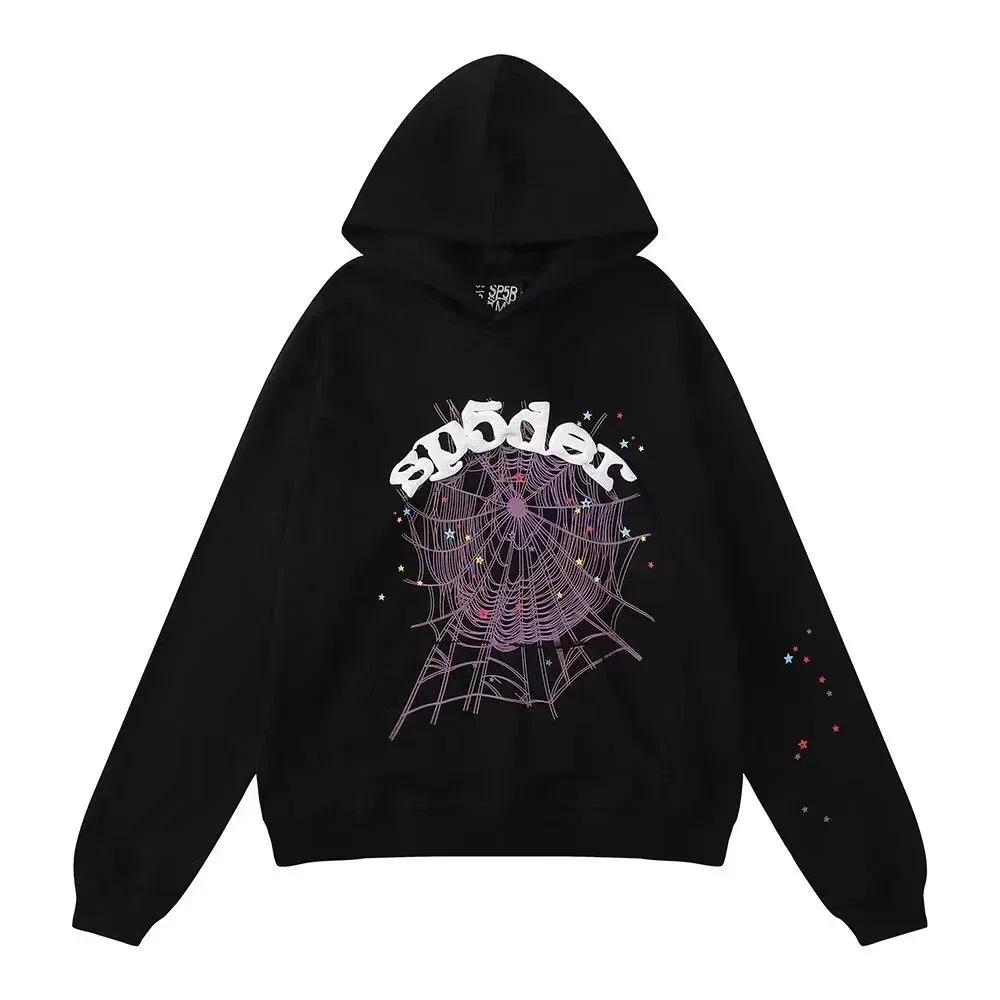
Black Spider Web Print Hoodie
View product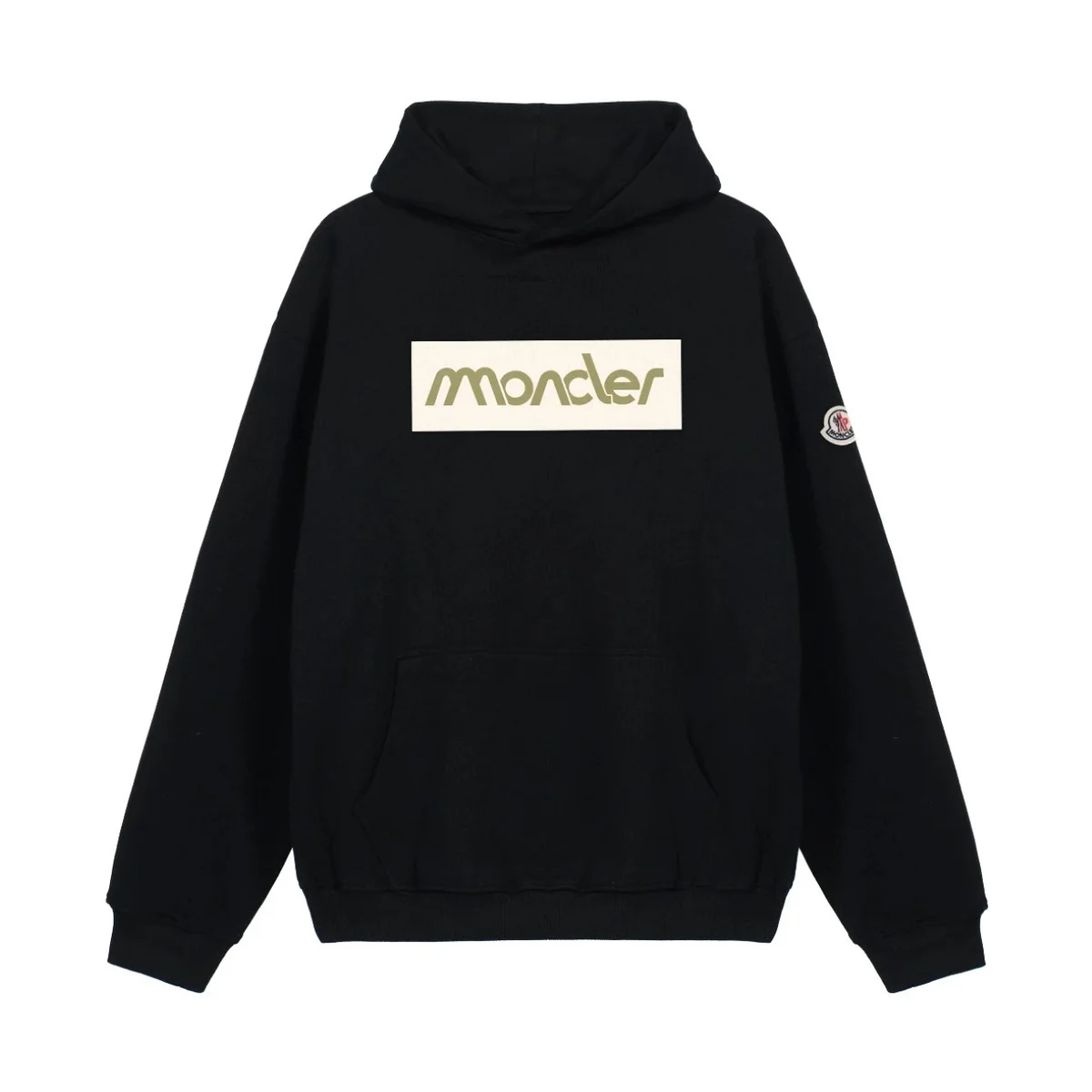
Moncler Black Moncler Box Logo Hoodie
View product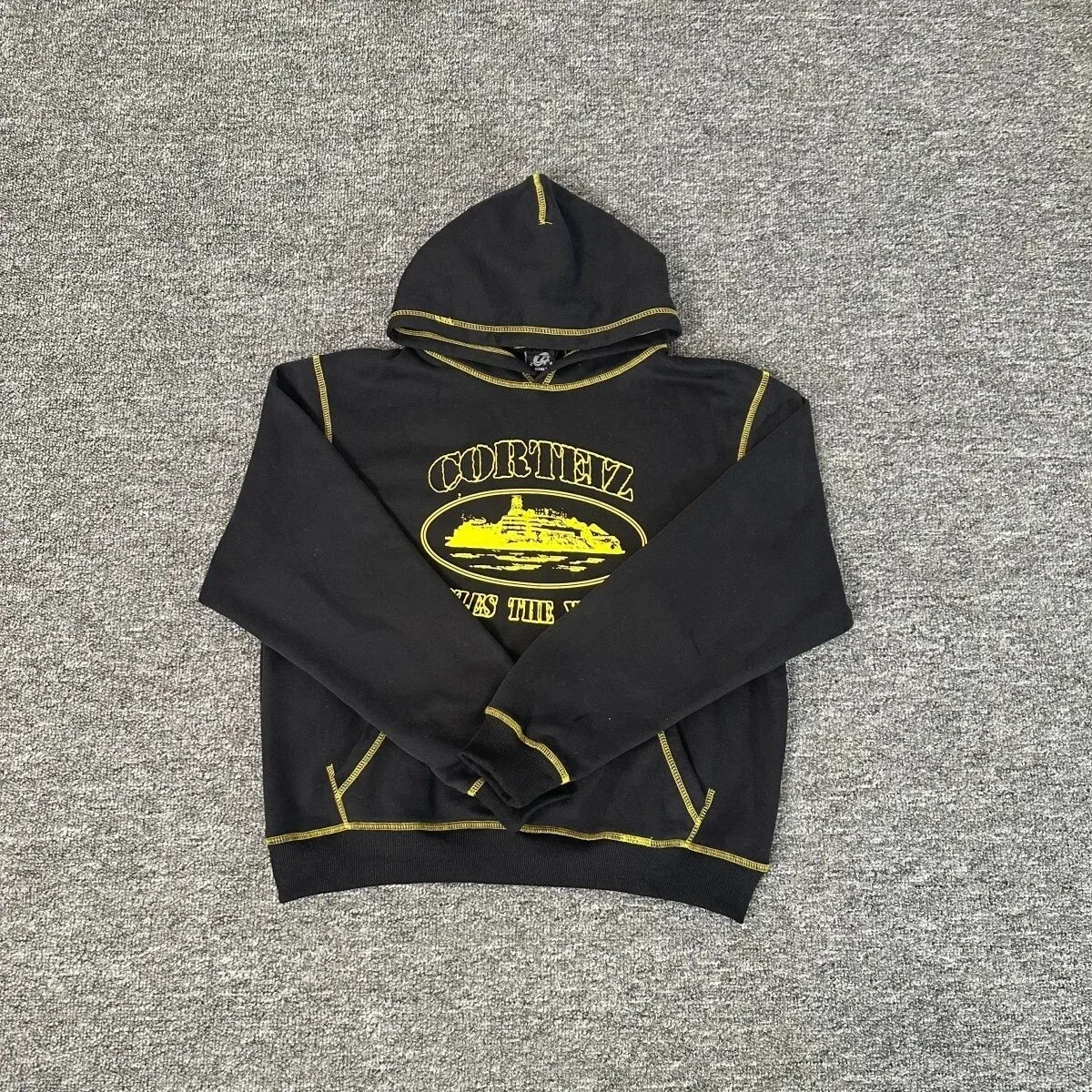
Corteiz Black with Gold Corteiz Logo Hoodie
View product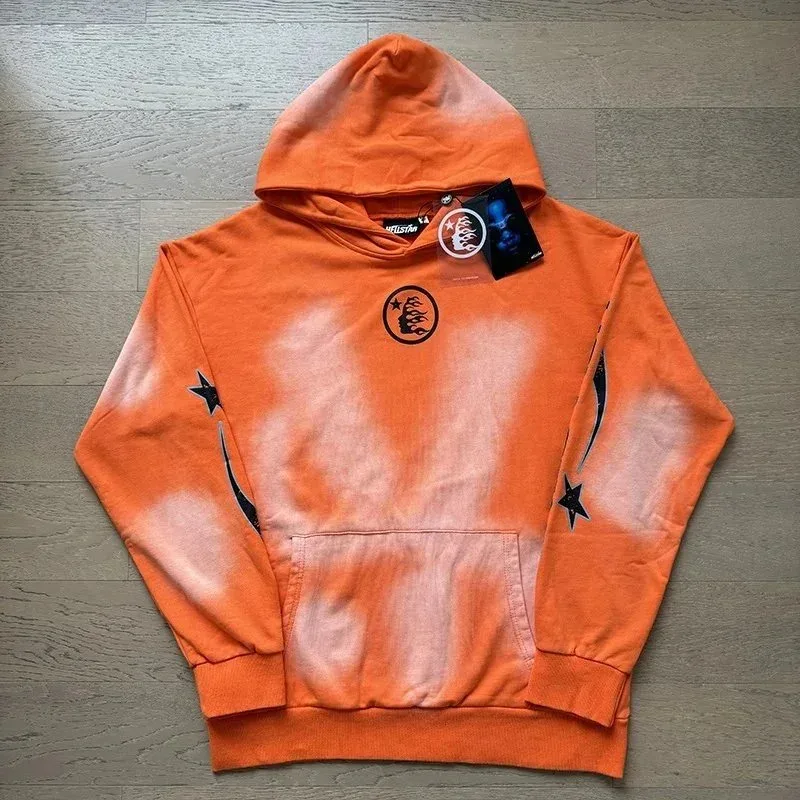
Hellstar Orange Tie-Dye Hoodie with Star Print
View product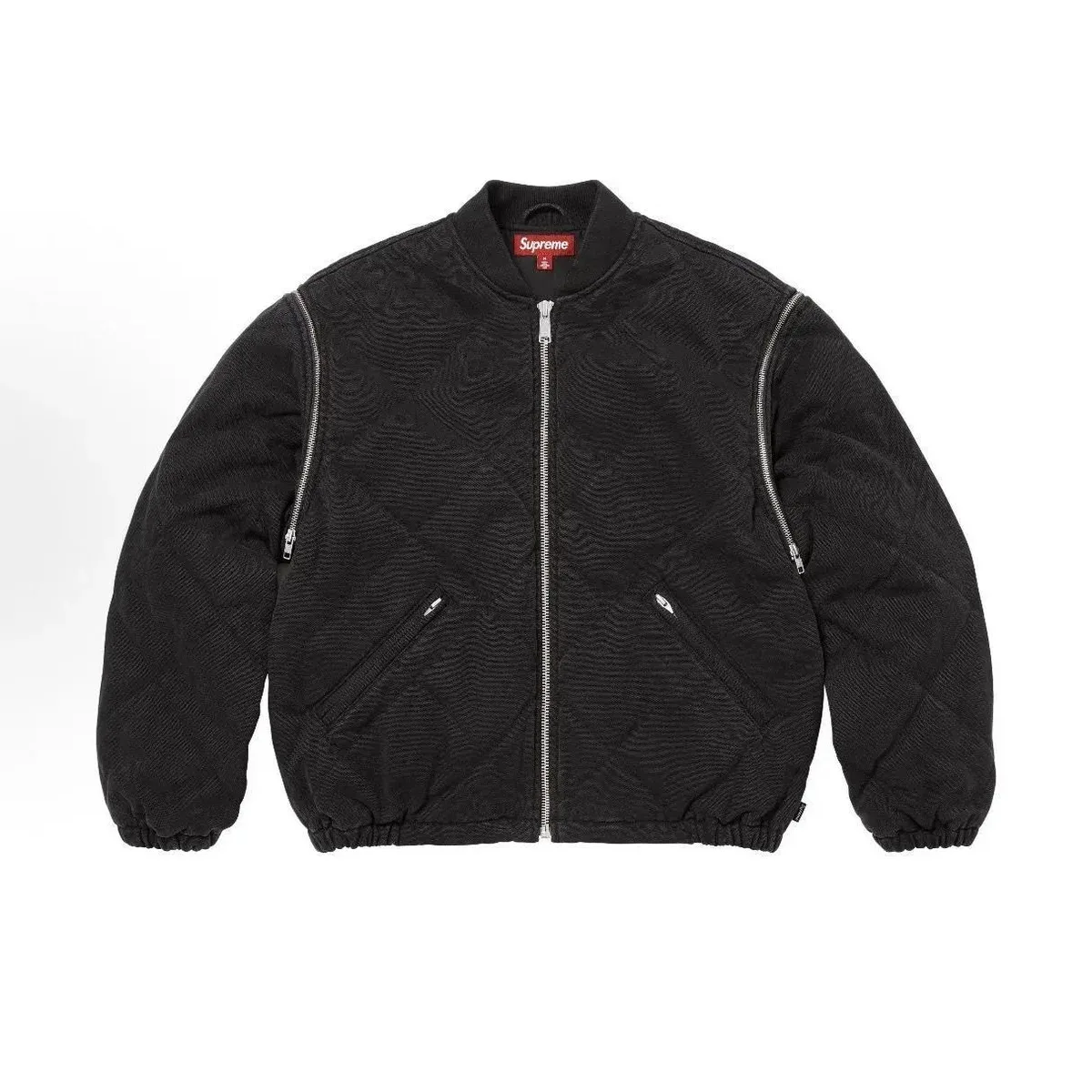
Supreme SUP-29 Diamond Quilted Bomber Jacket Black
View product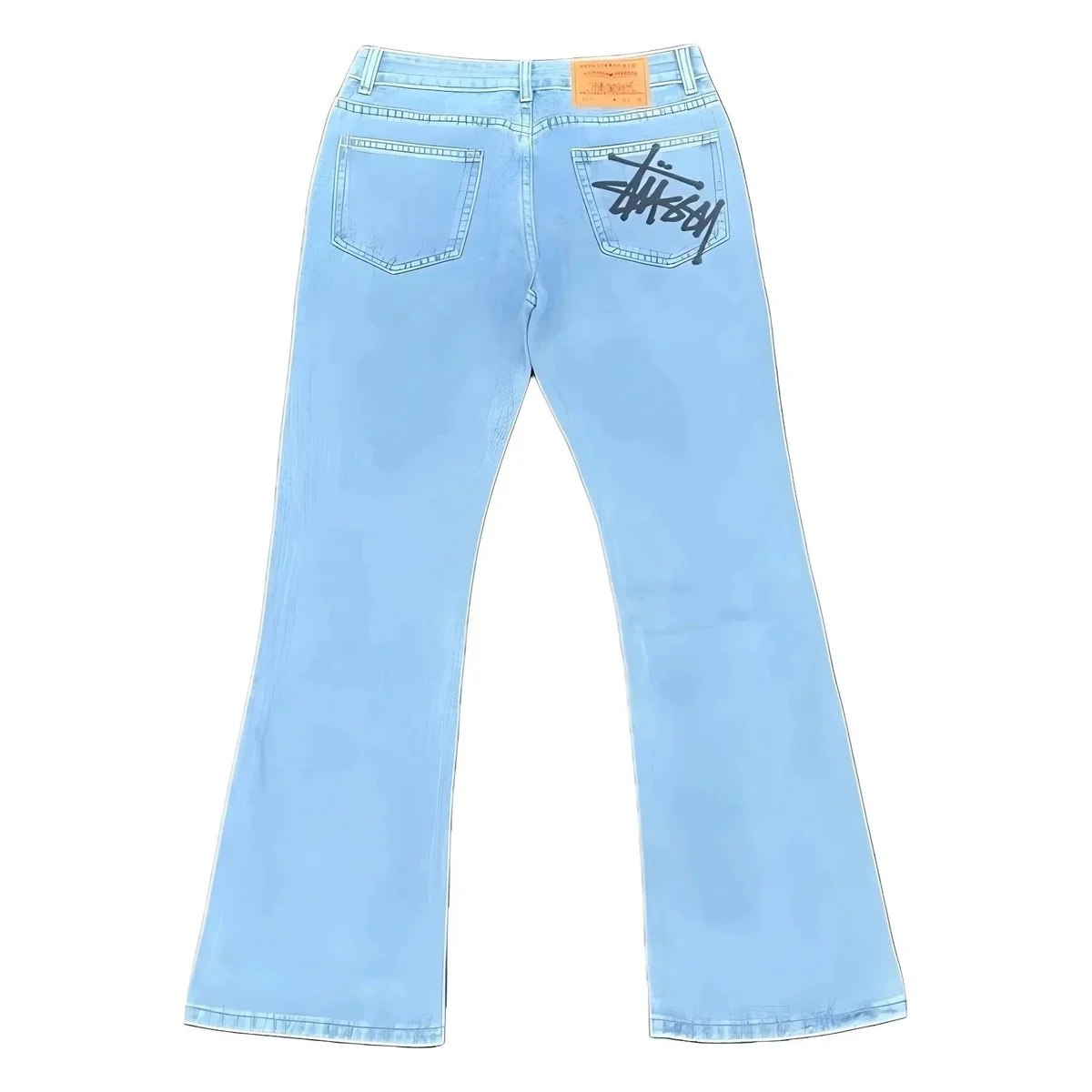
Stussy Stüssy Basic Logo Light Blue Jeans
View product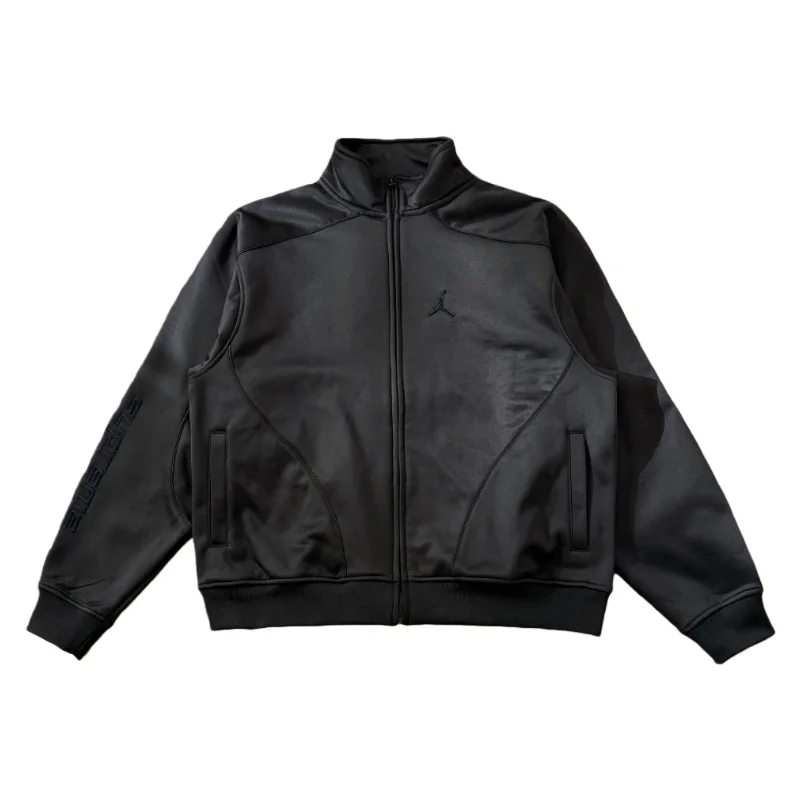
Jordan Air Jordan SUP-38 Black Jacket
View product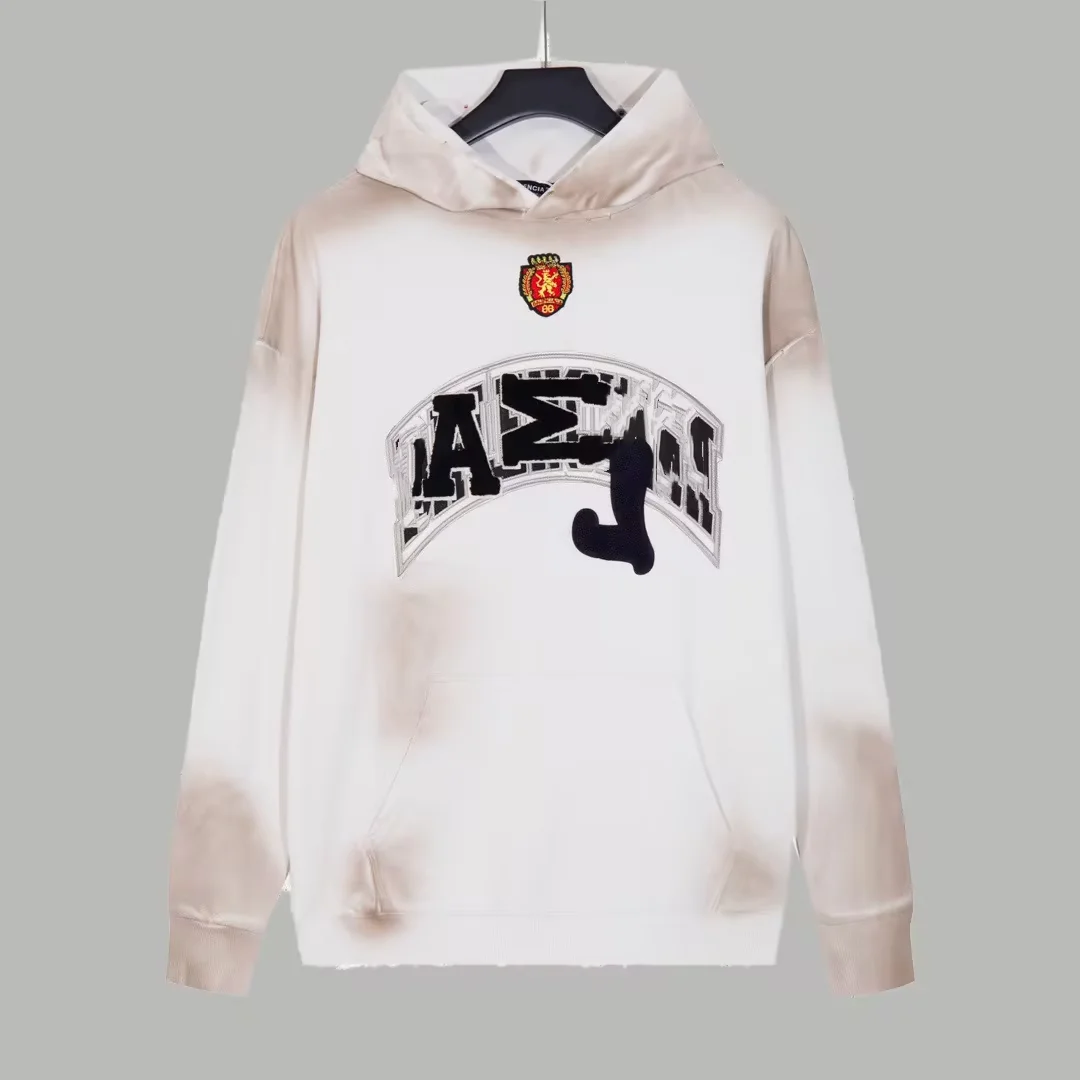
Balenciaga Triple S Hoodie White Burnout
View product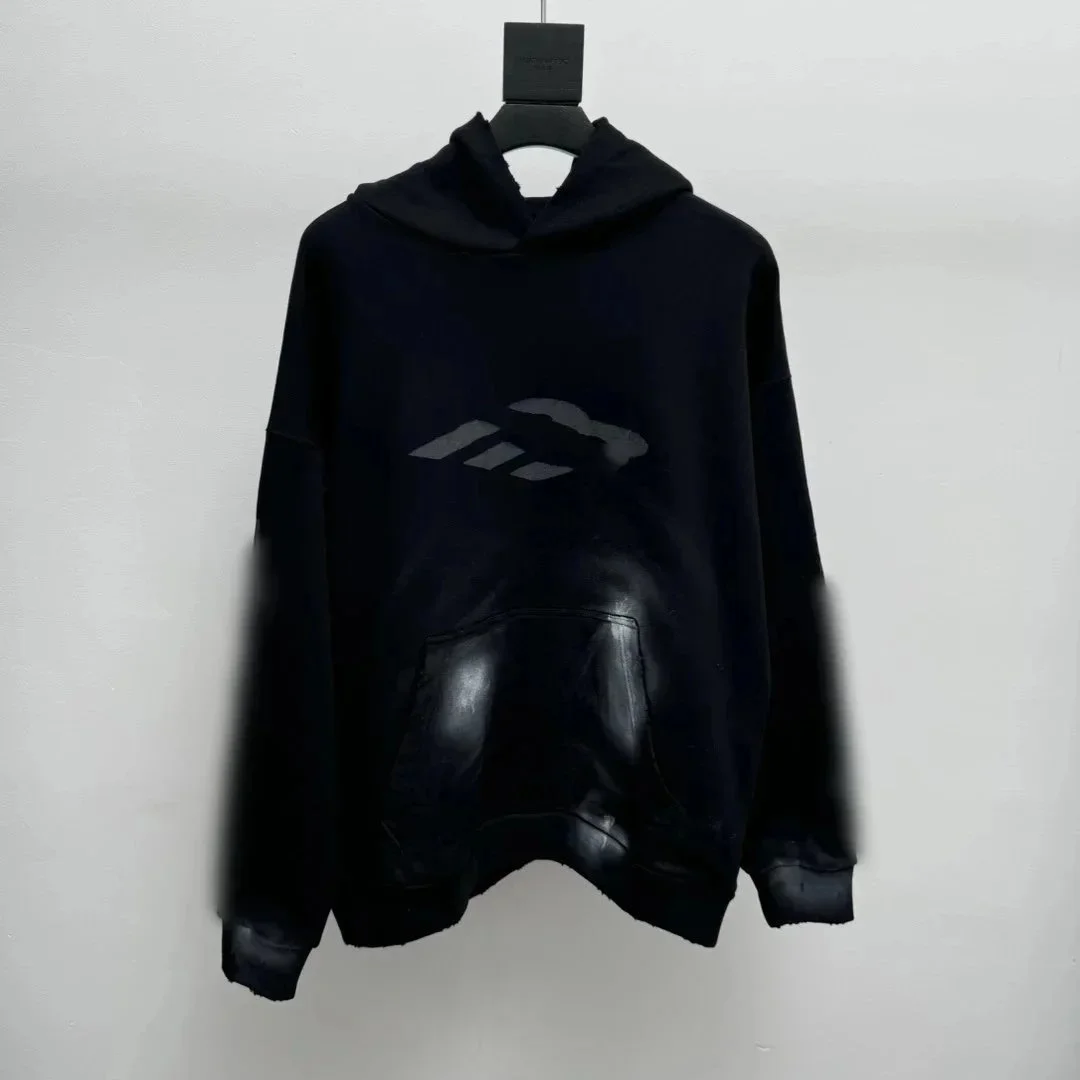
Rick Owens DRKSHDW Hoodie Black Sweatshirt
View product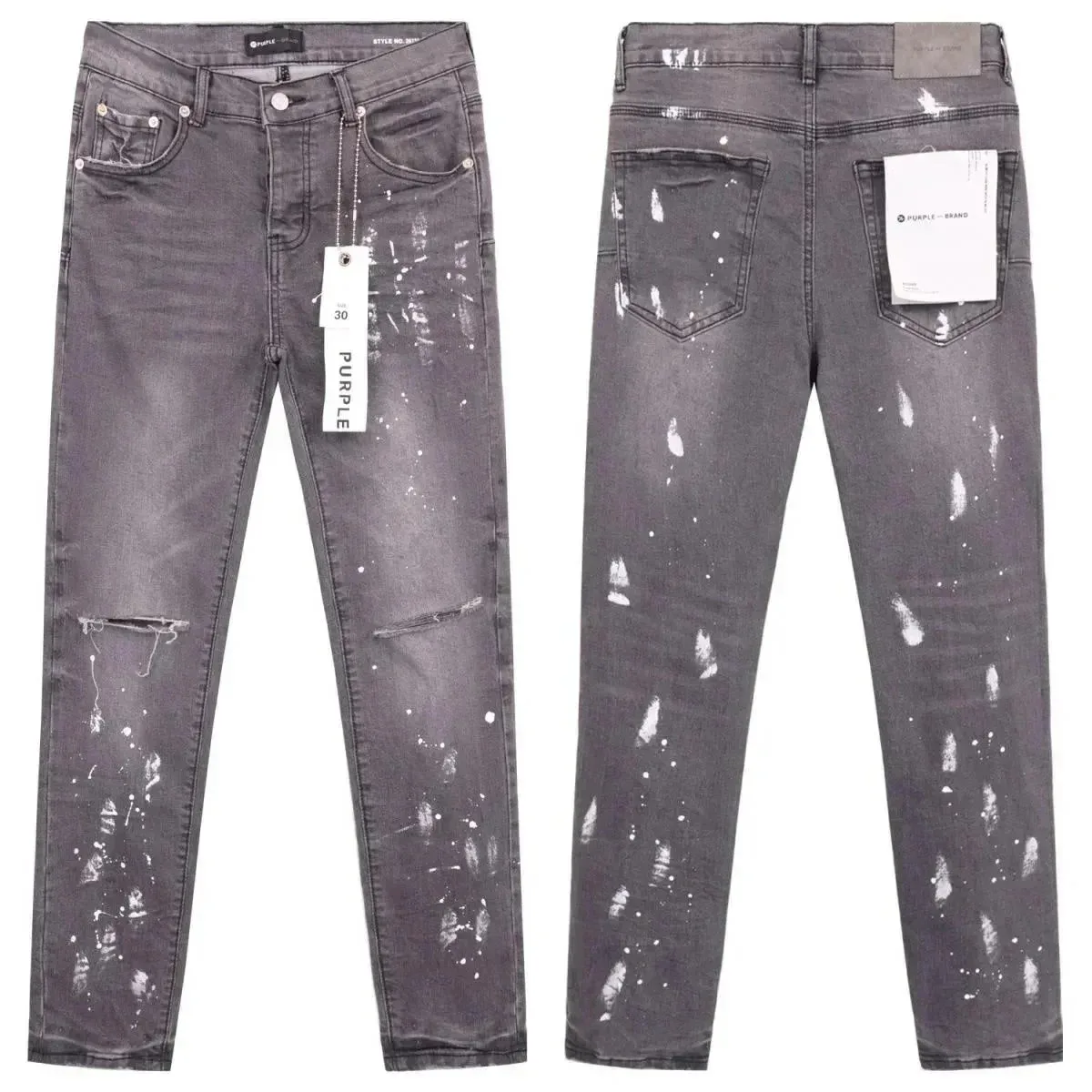
Purple Brand P001 Grey Paint Splatter Jeans
View product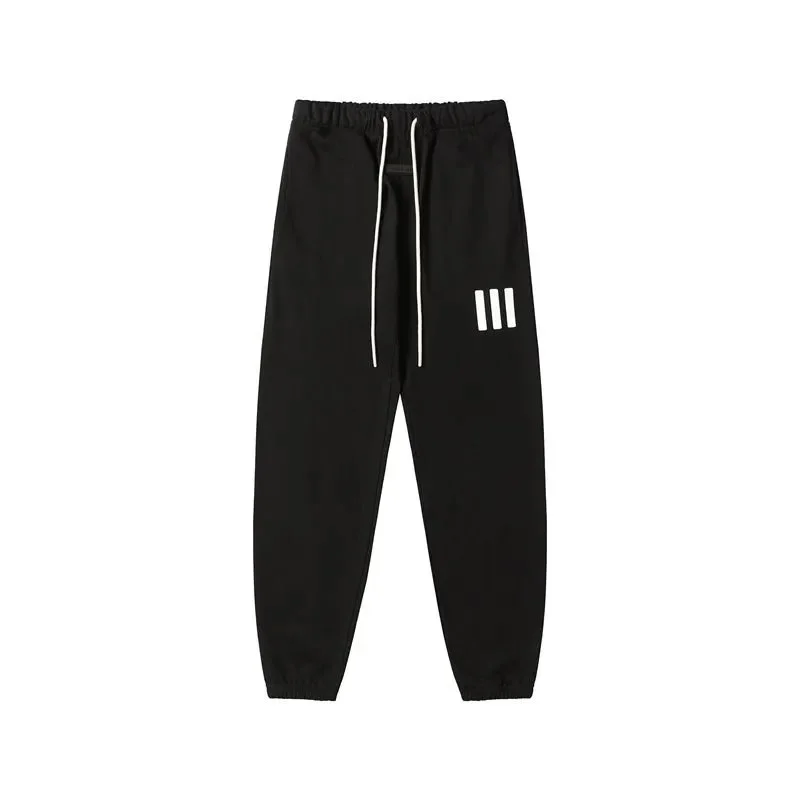
Adidas Three Stripes Black 33 Sweatpants
View product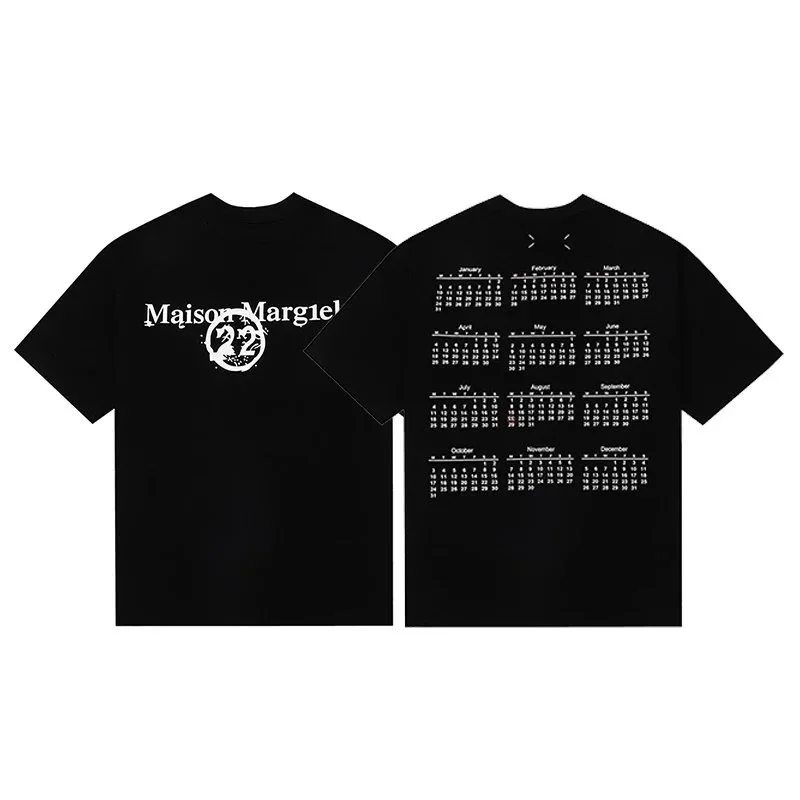
Maison Margiela Calendar T-Shirt Black
View product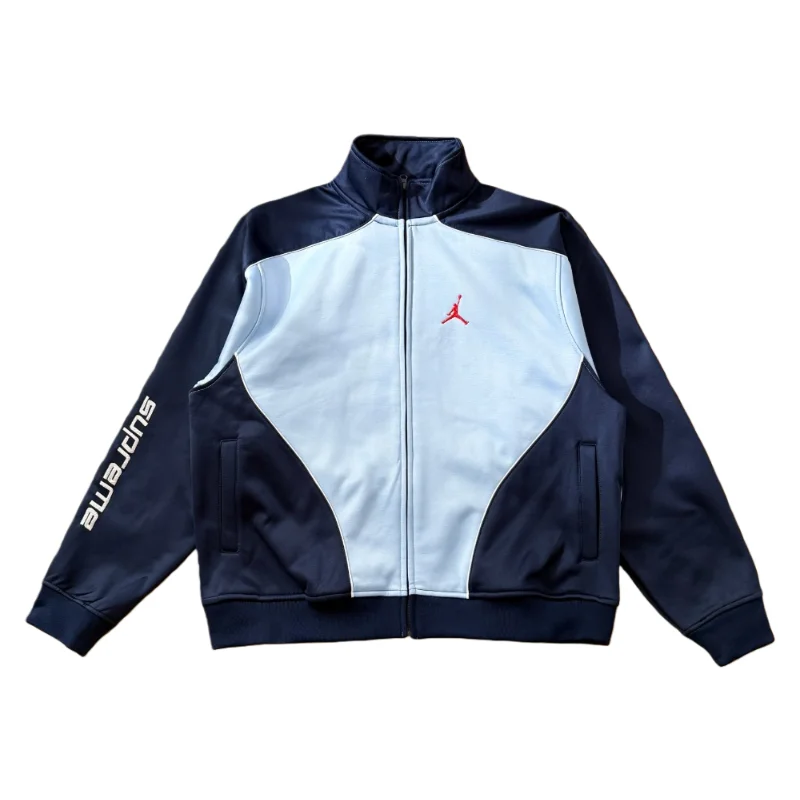
Nike Air Jordan Supreme Blue Jacket
View productWhy use this OOTDBuy Spreadsheet?
Bring your product search into one clear view. Browse by category, compare brands and reference prices, and move from an interesting find to the details you need for your next step.
Product discovery, with a clearer next step
This independent spreadsheet helps you discover and compare products. Full listings provide the next layer of product information; OOTDBuy handles purchasing, account payments, warehouse services and international delivery through its own platform.
Eight clear categories
Explore shoes, T-shirts, pants, hoodies, jackets, bags, accessories and electronics. Each category brings together 24 selected references, so you can compare a focused mix of products and brands.
Brands & reference prices
See product photos, brand names and estimated item prices together. Compare the styles that interest you, then open the full listing to check the current price and the exact size or color you want.
Full product details
Open a category product to review its detail page, then continue to the full listing for available options and source information. Keep the exact size, color and seller link together when comparing your choices.
Useful buying information
Read focused guides on product links, ordering, payments, warehouse photos, parcel packing and delivery. The FAQ brings together common questions about the spreadsheet and the next steps in an order.
How the OOTDBuy spreadsheet works
Discover here. Review the listing. Manage your order with OOTDBuy.
Find your shortlist
Choose a category or search for a brand, product or style. Compare the photos and reference prices, and keep the items that suit your wardrobe and budget.
Review the full listing
Open the product details and check the available options, measurements and source information. Keep the original seller’s product link with your selected color, size and quantity.
Continue with OOTDBuy
Use a supported seller link to place the purchase through OOTDBuy. Manage payment and warehouse checks in your account, then select a parcel route and settle international shipping separately.
04 / Buying guides
OOTDBuy Buying Guides
Using the Spreadsheet: Search, Styles & QC
Find a category or search the wider catalog, compare product styles and historical QC sets, then keep the seller link needed for an OOTDBuy order.
Read the guideOrdering: Purchase to Delivery
Follow the purchase, warehouse and parcel stages of an OOTDBuy order, with the checks and separate payments needed before international delivery.
Read the guideItem Costs & Shipping Charges
Understand the goods-side and freight-side service-fee bases, separate parcel charges and reference prices, with a worked budgeting example.
Read the guideFrequently asked questions
A few clear answers before your next find, from reference prices and product photos to shipping and returns.
View all FAQsWhat is the OOTDBuy spreadsheet?
This OOTDBuy spreadsheet is a browsable collection of product references. It brings together listing photos, brand names and reference prices across eight categories: shoes, T-shirts, pants, hoodies, jackets, bags, accessories and electronics.
Use it to discover items and build a shortlist. Open a listing to review its available details before deciding whether to order.
Is this the official OOTDBuy website?
This is an independent product-discovery website. OOTDBuy operates its own account, ordering, warehouse and international shipping services at ootdbuy.com.
Browsing here does not create an OOTDBuy order or sign you in to an OOTDBuy account. Account and order questions should be handled through OOTDBuy's own support channels.
Is the displayed price the total delivered cost?
The displayed amount is a reference item price. It does not represent the final cost of purchasing and delivering an order to your address.
Your total depends on the exact variant and quantity, applicable domestic delivery and service charges, international shipping, payment charges and destination-related costs where applicable. Review the actual quotations before paying.
Are spreadsheet images QC photos of my order?
The main product image represents the listing or selected style. Some detail pages also include separate historical QC photo sets. Each set is labelled with the pictured item and keeps its original batch grouping; it is a reference rather than a photo of goods bought for you.
Your own order photos belong to the warehouse record for the goods received for your order. Compare their quantity, color, visible size label and relevant details with the exact options you selected before arranging international shipping.
How can I estimate shipping to my country?
Use a quotation for your destination, selected items and available route. Check the expected packed weight, dimensions, packaging choices and included services.
Chargeable weight follows the selected route's rules and can depend on volume as well as scale weight. Recheck the quote after packing changes. Another buyer's parcel weight and shipping total are not a quote for your own order.
Can I cancel or return an order?
The available action depends on the order stage, seller's terms, item condition and applicable deadline. Check the order's after-sales options promptly if there is a problem.
Warehouse storage time and the seller's return window are different. Do not wait until overseas delivery to investigate a seller return, and confirm any freight or service charges before applying.
Ready to explore more finds?
Choose a category, compare your favorites and open the full product listing. When you’re ready to order, use the original seller’s link with OOTDBuy. Checkout takes place outside this website.